Maralys
Game server

Find a place to settle.

Choose a base or town site on a 1:1000 real-world map. MARALYS Atlas combines geography, nations, Create and Aeronautics. Joining is free.

Atlas coverFree to join
MARALYS Atlas cover
Joining and playing
Free
Server tick rate
20 TPS
Minecraft Java
1.21.1
Machines and physics
Create + Aeronautics

What you can do in the game.

Open the Atlas map
01 / Choosing a settlement site

Compare locations on the map

Open the Atlas map and compare a coast, river valley, plain or mountain region. At 1:1000 scale, a familiar real-world location will not reproduce every street. Look at the actual terrain rather than choosing solely by the name of a country.

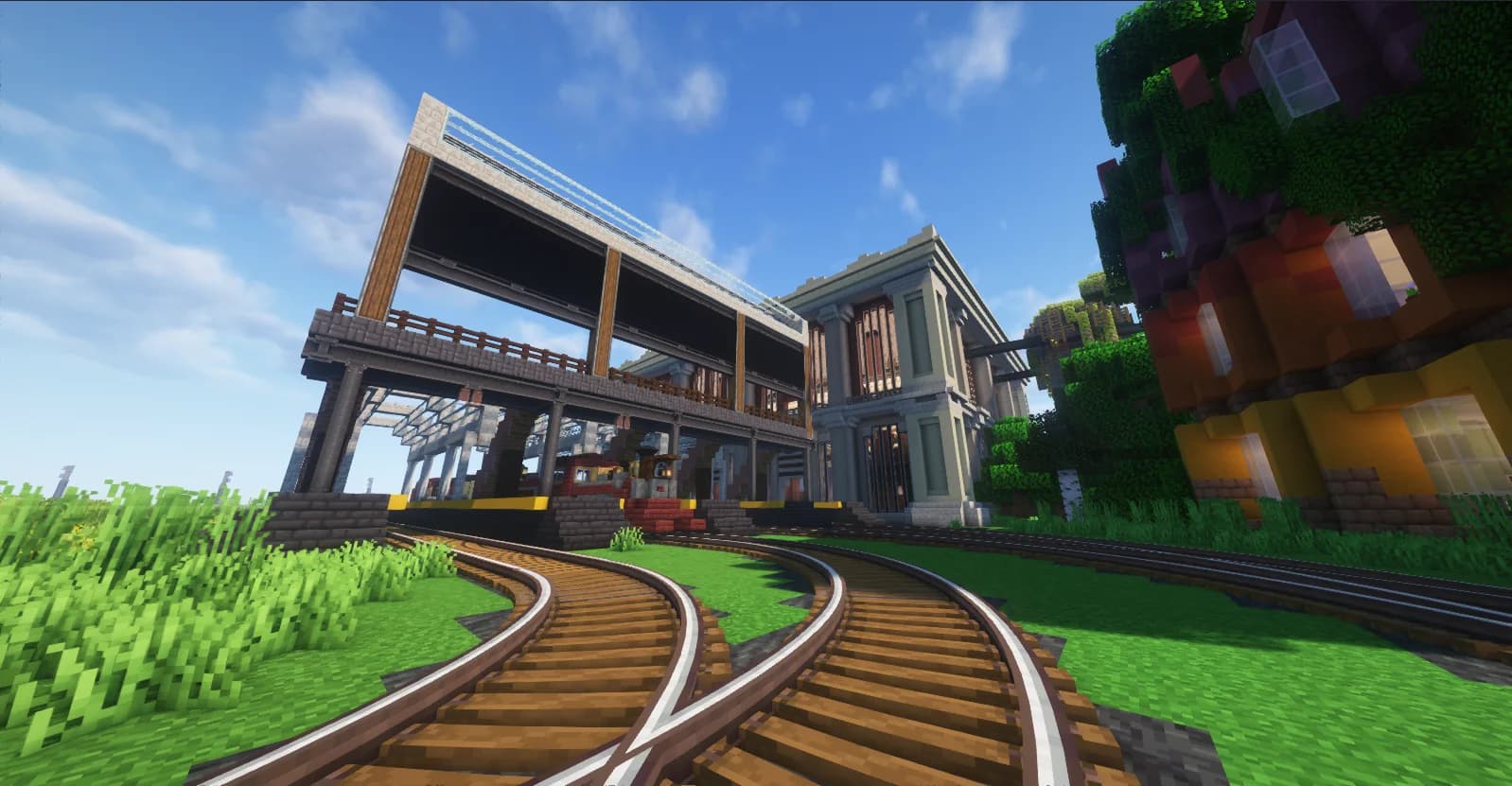
An example of a railway depot built with Create
Create: Steam ’n’ Rails · example build
02 / Atlas

Visit before committing

Walk around the site before starting a large build. Decide where a house, storage, farmland and an access route could fit, and how you would reach neighbours. Account for seasons, climate and your character’s needs; a scenic view does not replace food and shelter.

  1. Compare two or three regions on the Atlas map.
  2. Visit your preferred site in-game.
  3. Mark out a base and leave room for a shared street.
Server rules
03 / In a shared world

Leave space for a town

Avoid filling the whole site with the first house. Reserve a street, a public area and space for machinery. Selecting a country in the Atlas interface does not grant ownership of that entire real-world territory; follow the rules and respect existing builds.

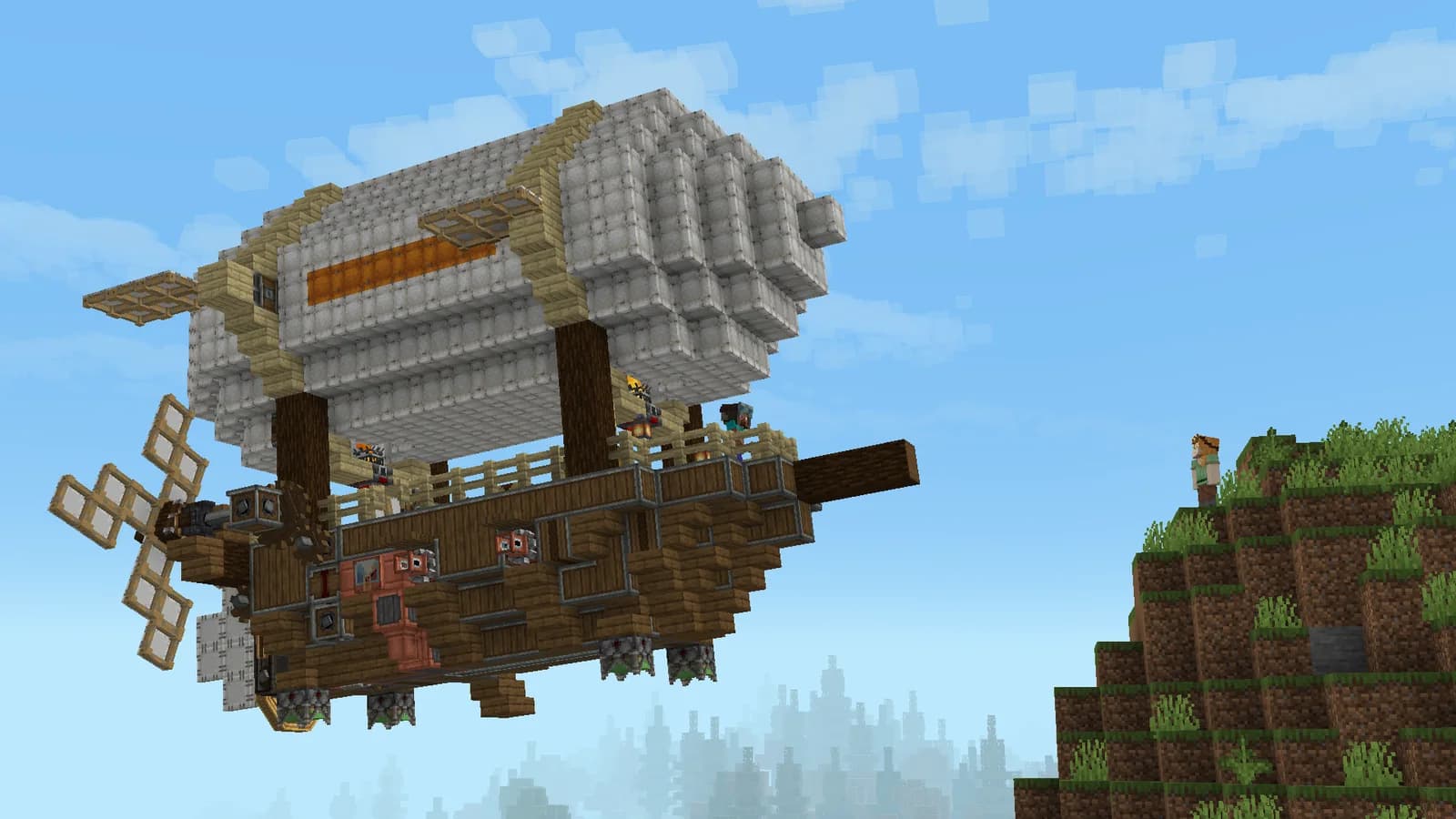
A Create Aeronautics airship beside a cliff
Create Aeronautics · developer screenshot

20 TPS

For machinery, vehicles and large shared builds.

Processor
AMD Ryzen 9 9950X
Physical host memory
256 GB
Location
Moscow, Russia

Before you join.

Can I choose any real-world location?

Use the map to plan a journey, then choose the actual site in-game according to terrain, neighbours and server rules. A familiar place name does not mean the land is available.

How do I install the pack?

Open the server page and follow How to join. MARALYS installs the current pack, so you do not need to match individual mod versions. Joining and playing are free.

See you on Atlas.

  1. 01

    Install MARALYS

    Download the desktop application and sign in.

  2. 02

    Select Atlas

    The application installs the pack and its mods.

  3. 03

    Select Play

    Compare two or three regions on the Atlas map.

Minecraft Java on a computer. Bedrock and mobile editions are not supported. Playing is free; store purchases are optional.

Server rules

More of Atlas