Maralys
Game server

Your next destination. On the Atlas map.

Open MARALYS Atlas's map in a browser before joining. Inspect Earth's terrain, compare regions and plan a base location or route. Atlas itself is a free modded Minecraft Java server.

Atlas coverFree to join
MARALYS Atlas cover
Joining and playing
Free
Server tick rate
20 TPS
Minecraft Java
1.21.1
Machines and physics
Create + Aeronautics

What you can do in the game.

Open the Atlas map
01 / Browser map

Scout an area before travelling

An overhead view helps compare distances, coastlines and nearby plots. Choose several places to inspect rather than committing to one immediately. The map helps prepare a journey, but the usable space and access to a location should be checked after arriving in the game.

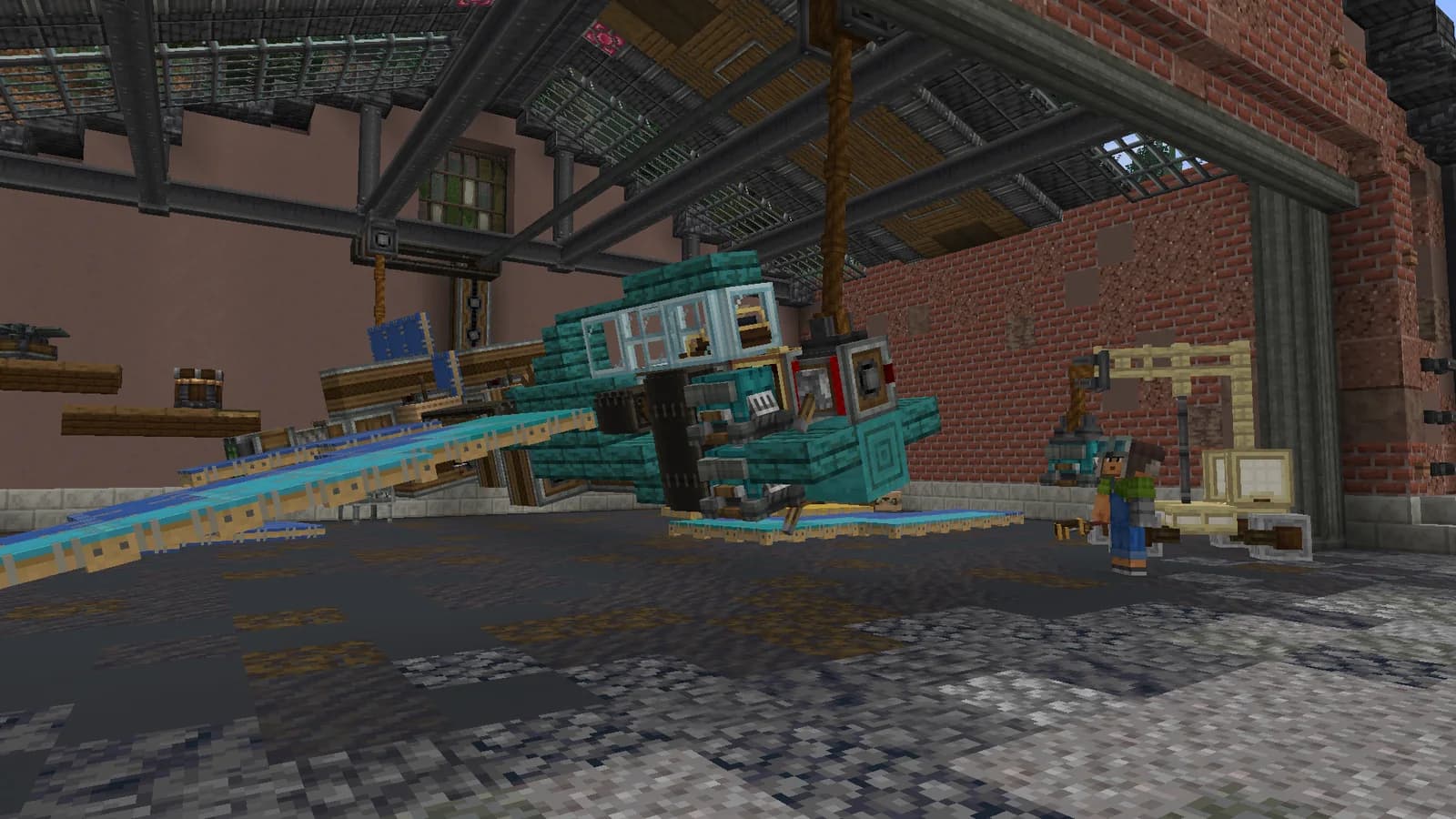
A Create Aeronautics plane under construction in a hangar
Create Aeronautics · developer screenshot
02 / Atlas

Switch between map views

The map interface offers different ways to inspect the world. An overhead view suits long routes, while a three-dimensional view helps with terrain and surrounding construction. Zoom into an area gradually: a continental view cannot show every detail of a future access road.

  1. Open the Atlas map in a browser.
  2. Compare several candidate locations.
  3. Inspect the chosen site in the game.
Server rules
03 / In a shared world

Understand what is visible

Public player markers are disabled on Atlas's map. Do not use it as an online player list or a way to locate a particular person. World imagery updates separately from your client, so recent construction may not appear on the public map immediately.

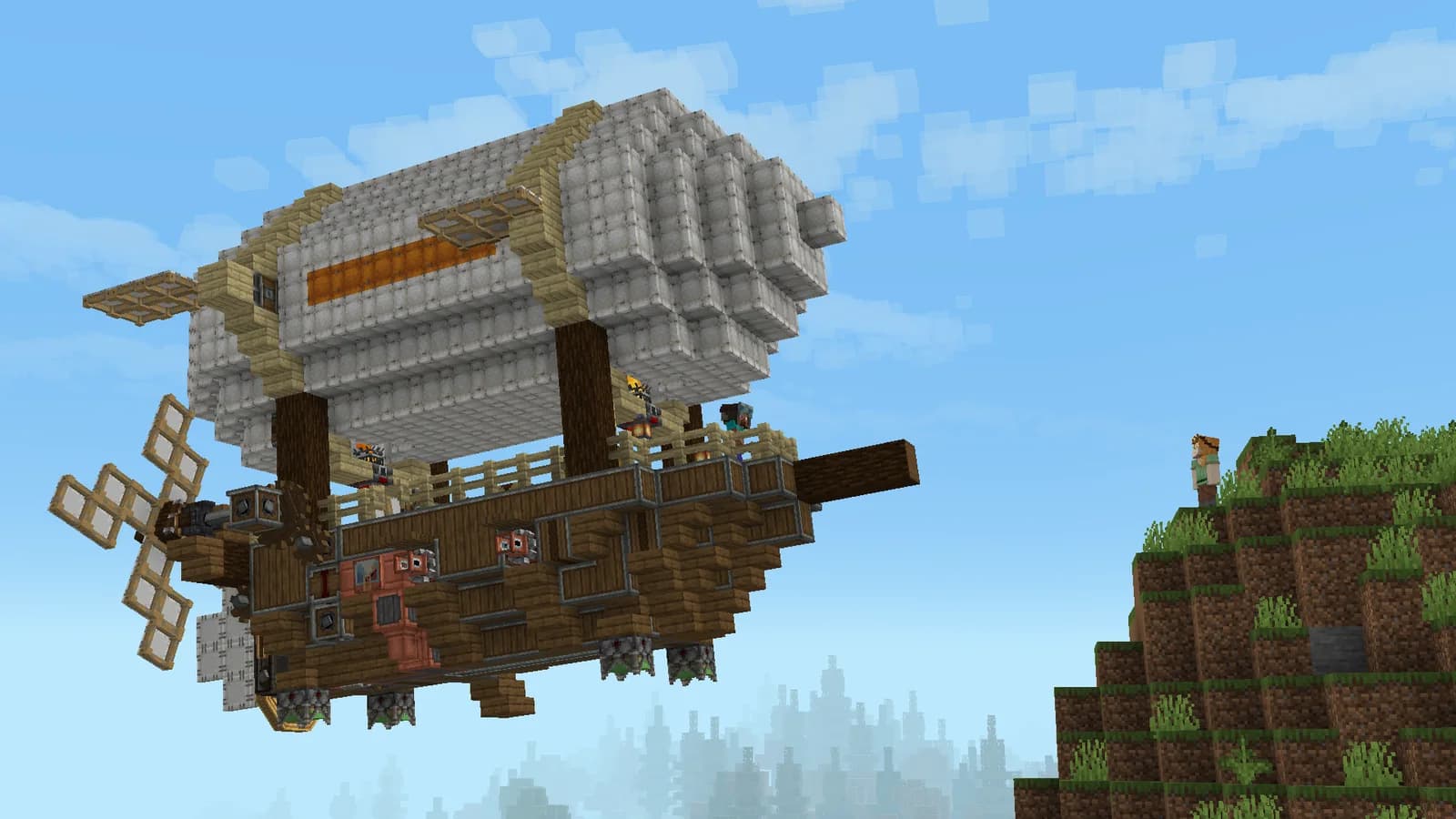
A Create Aeronautics airship beside a cliff
Create Aeronautics · developer screenshot

20 TPS

For machinery, vehicles and large shared builds.

Processor
AMD Ryzen 9 9950X
Physical host memory
256 GB
Location
Moscow, Russia

Before you join.

Do I need Minecraft installed to view the map?

No. Open the Atlas map link in a normal browser. Playing on the server requires MARALYS and the Atlas pack.

Why can I not see my character on the map?

Player positions are hidden on the public map. That is an Atlas setting, not evidence that your character failed to join the server.

Does the map replace visiting a site?

No. It helps you choose a direction and see the general terrain. Check access, building space and local details in the game itself.

See you on Atlas.

  1. 01

    Install MARALYS

    Download the desktop application and sign in.

  2. 02

    Select Atlas

    The application installs the pack and its mods.

  3. 03

    Select Play

    Open the Atlas map in a browser.

Minecraft Java on a computer. Bedrock and mobile editions are not supported. Playing is free; store purchases are optional.

Server rules

More of Atlas