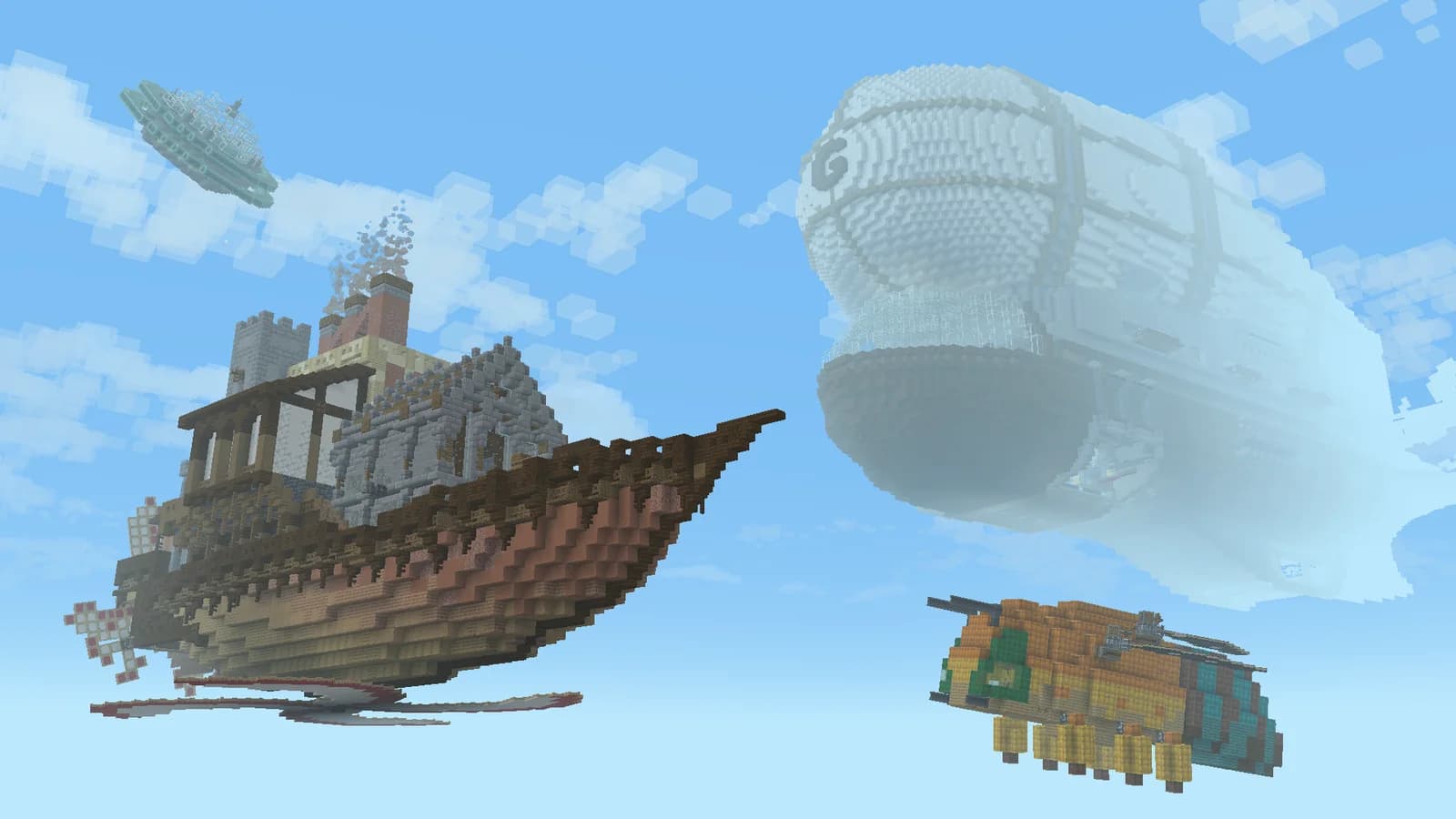
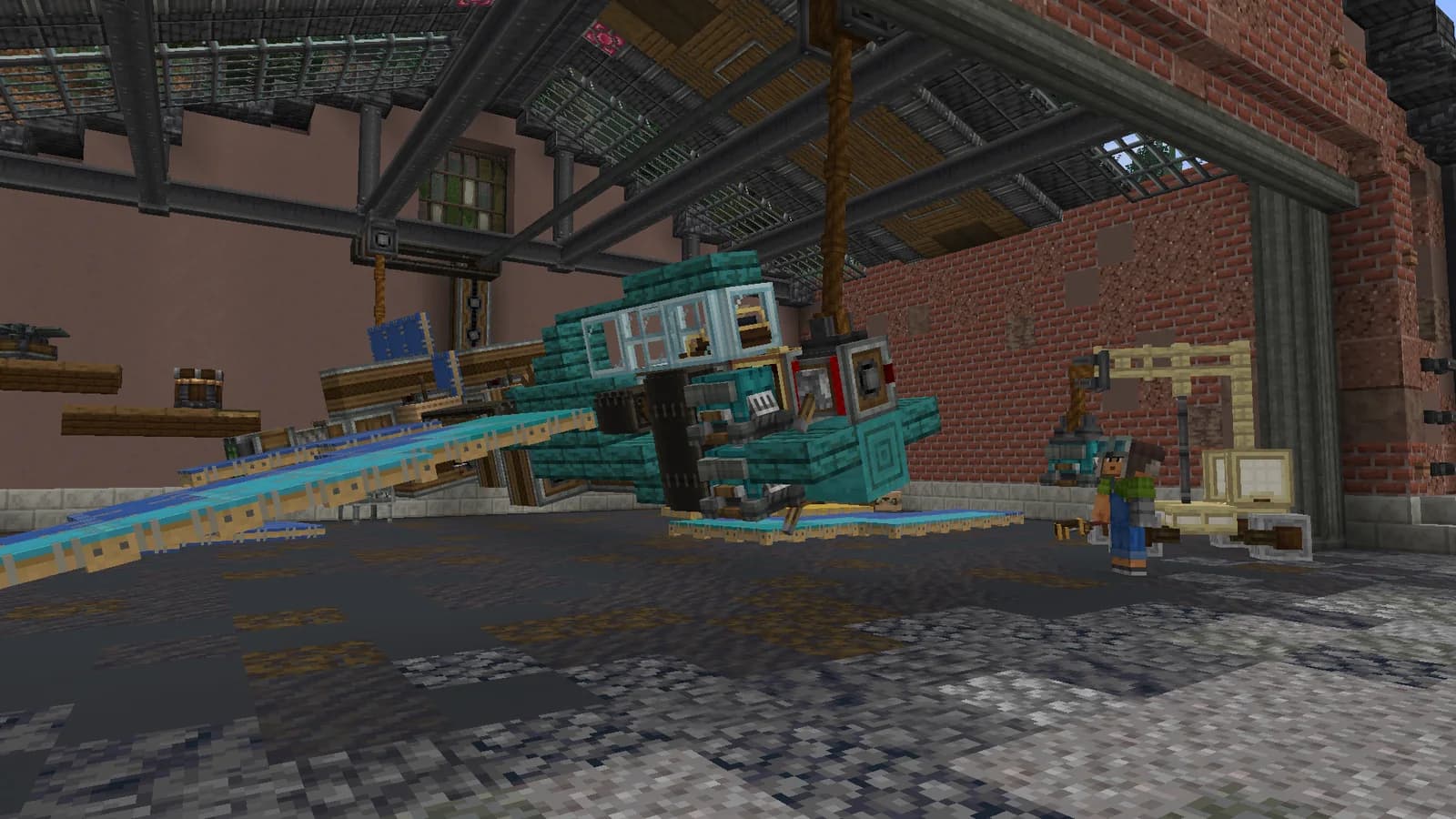
Travel across Atlas's 1:1000 real-world map, look for a base location and connect regions with routes. Create and Aeronautics let you work on your own transport. Joining the server is free.
Begin between two clear destinations instead of attempting a continental crossing. Inspect the map, identify difficult terrain and choose alternative stopping points. Straight-line distance does not show the time required for hills, water crossings or detours around existing construction.
Prepare supplies, tools and materials for minor repairs or a temporary stop. Do not take your base's entire stockpile on a first scouting trip. If using physical transport, test handling with the load you actually intend to carry rather than only with an empty vehicle.
Keep landmarks and agreements with players whose territories you pass. A tested route can later support deliveries or connections between settlements. After one journey, it is usually clearer where a bridge, station or landing area would actually be useful.
MARALYS Atlas cover
MARALYS-owned hardware
20 TPS
For machinery, vehicles and large shared builds.
Processor
AMD Ryzen 9 9950X
Physical host memory
256 GB
Location
Moscow, Russia
Good to know
Before you join.
Must I run a country to explore?
Exploring does not mean you must start by managing a nation. Follow Atlas's rules and the permissions of territories along the route.
Can the map locate other players?
Public player positions are hidden. Use the map for terrain and route planning, and arrange a meeting place directly with the other player.
What is useful to record while exploring?
Note possible base sites, obstacles and stopping points. Compare your observations with the Atlas map before bringing the whole team and its supplies.