Maralys
Game server

Let the mountains shape your town.

Build terraces, bridges and workshops on a mountain slope. Explore a 1:1000 real-world map with Create and Aeronautics on the free Atlas server.

Atlas coverFree to join
MARALYS Atlas cover
Joining and playing
Free
Server tick rate
20 TPS
Minecraft Java
1.21.1
Machines and physics
Create + Aeronautics

What you can do in the game.

Open the Atlas map
01 / Mountain building

Work with the slope

Begin with several small platforms instead of excavating one enormous flat plot. A house, storage and a workshop can occupy different levels if there is a clear path between them. Lay out stairs and access routes before choosing the final shapes of the buildings.

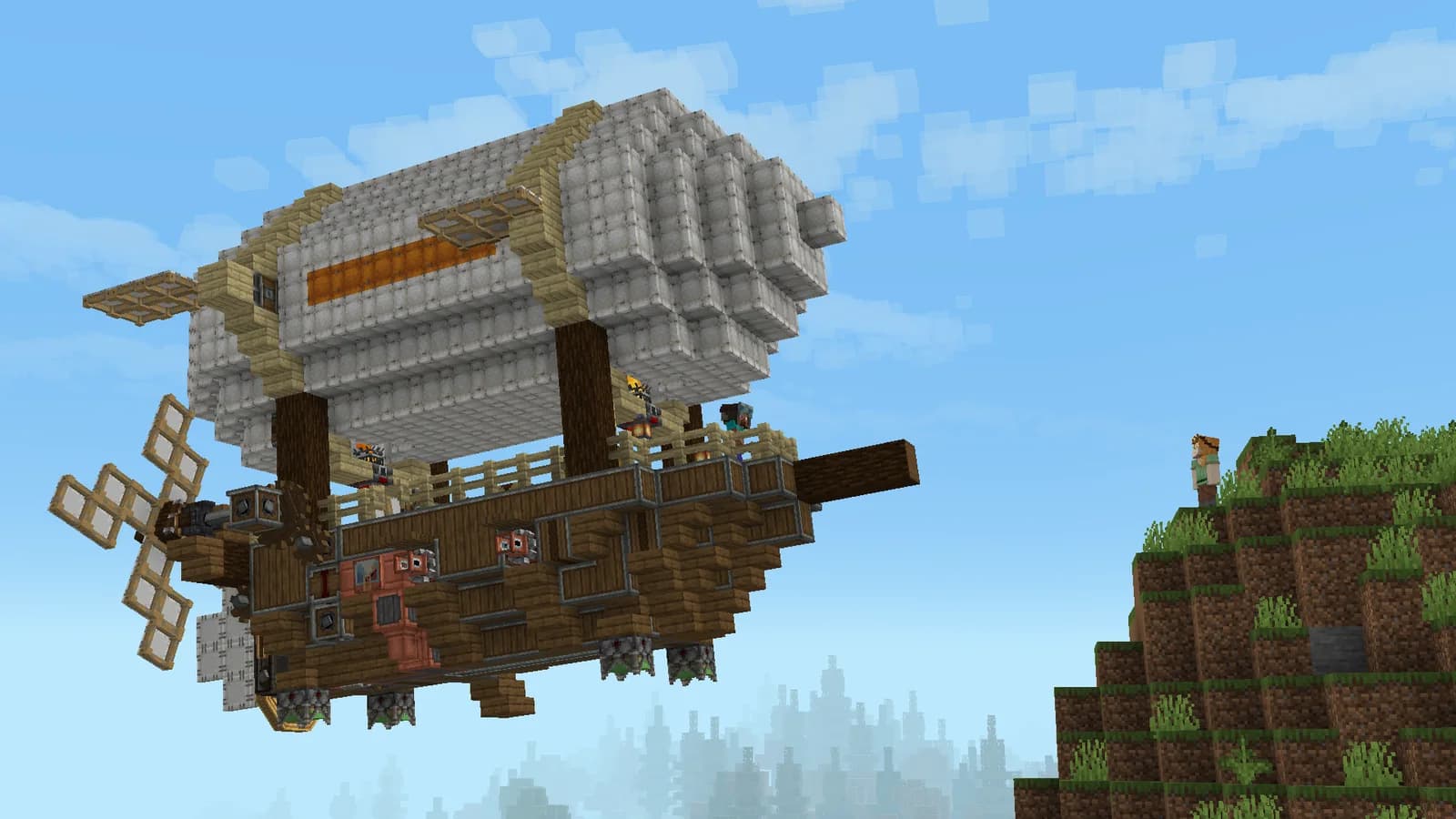
A Create Aeronautics airship beside a cliff
Create Aeronautics · developer screenshot
02 / Atlas

Get materials up the mountain

Plan transport before committing to a large build. Roads and railways need room, while aircraft need a clear arrival area. Deliver a small load to the upper terrace first and check whether the unloading point is convenient for the people doing the construction.

  1. Choose two platforms at different heights.
  2. Connect them with a safe walking route.
  3. Test a material delivery to the upper platform.
Server rules
03 / In a shared world

Keep views and routes open

Bridges and retaining walls can link the settlement without hiding the entire hillside. Agree on expansion routes with neighbours. Atlas also includes climate and seasons, so prepare supplies and living arrangements before moving the whole base to a demanding location.

A Create Aeronautics airship beside a cliff
Create Aeronautics · developer screenshot

20 TPS

For machinery, vehicles and large shared builds.

Processor
AMD Ryzen 9 9950X
Physical host memory
256 GB
Location
Moscow, Russia

Before you join.

Does every mountain exactly match the real world?

No. Earth is represented at 1:1000 scale. Use the map to choose a region, then inspect exact heights, building sites and routes in-game.

How do I install the pack?

Open the server page and follow How to join. MARALYS installs the current pack, so you do not need to match individual mod versions. Joining and playing are free.

See you on Atlas.

  1. 01

    Install MARALYS

    Download the desktop application and sign in.

  2. 02

    Select Atlas

    The application installs the pack and its mods.

  3. 03

    Select Play

    Choose two platforms at different heights.

Minecraft Java on a computer. Bedrock and mobile editions are not supported. Playing is free; store purchases are optional.

Server rules

More of Atlas