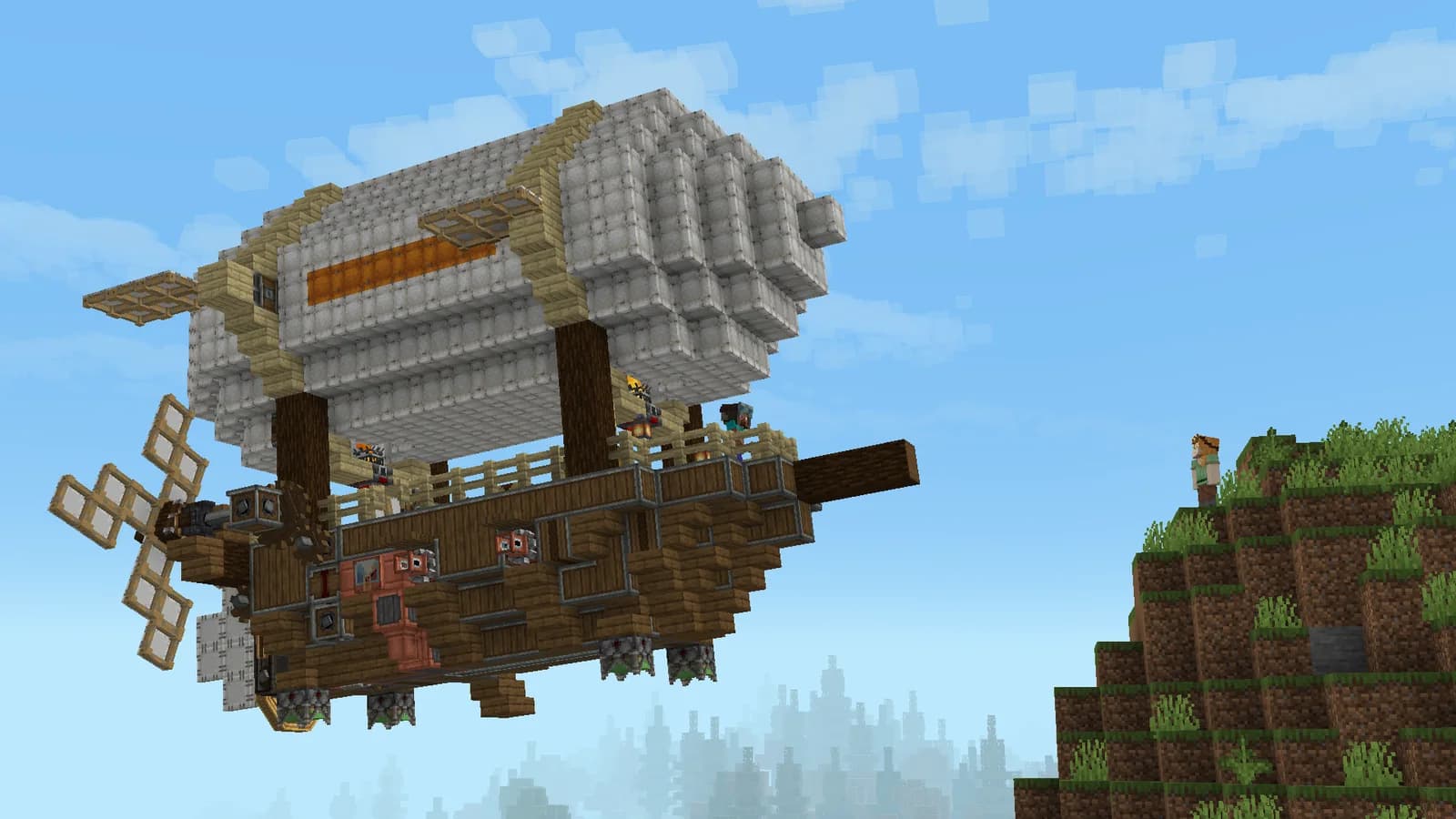
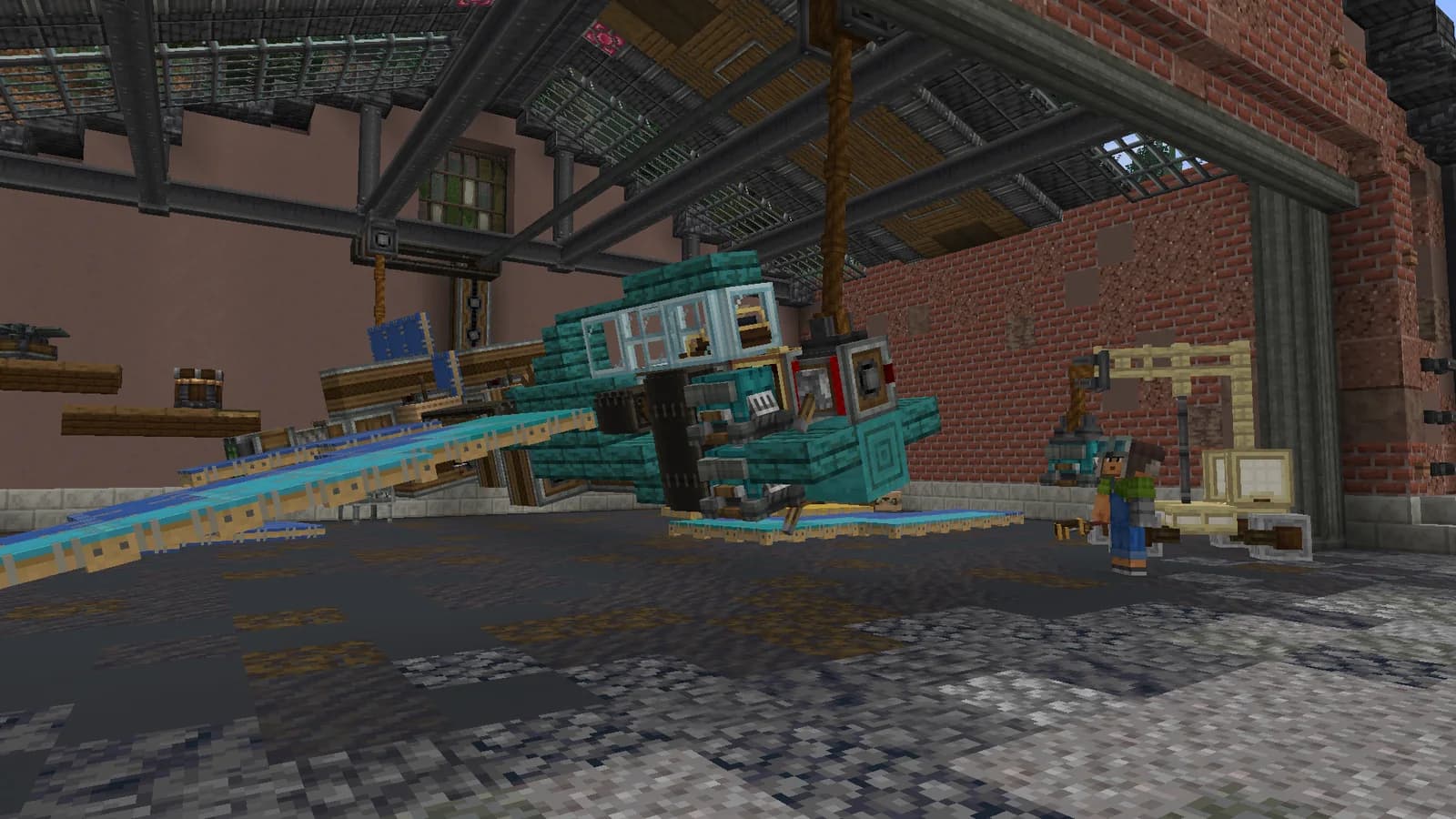
Use MARALYS to install Astra's server pack and its updates. Check what to install before joining and avoid mixing files from unrelated Minecraft modpacks. Server access is free.
Open Astra's application page, install MARALYS on your computer and sign in. Select Astra inside the application and let the pack installation finish. Launching a separate Minecraft profile does not automatically give it the same files or configuration as the server client.
Create and Aeronautics work with the rest of the client components. Matching one mod version does not mean the complete content and protocols match. Do not copy an old mods directory into this installation or replace managed files with versions from an unrelated guide.
Your first step
Open Astra in MARALYS.
Install the complete pack and finish the download.
Check for a pack update in MARALYS and let the download complete. If launching fails, keep the exact error message and use platform support. Adding another similar JAR usually makes a compatibility problem harder to identify rather than solving the original mismatch.
MARALYS Astra cover
MARALYS-owned hardware
20 TPS
For machinery, vehicles and large shared builds.
Processor
AMD Ryzen 9 9950X
Physical host memory
256 GB
Location
Moscow, Russia
Good to know
Before you join.
Is this a download page for the Create mod itself?
No. It explains how to install the client pack for Astra. Assembling a separate personal pack requires choosing its own compatible mods and dependencies.
Can I use a phone or Bedrock client?
Astra runs modded Minecraft Java on a computer. Bedrock and mobile editions are not supported; choose the MARALYS installer for your operating system.
Do I download each mod separately?
No. Use the installation flow on the Astra page; MARALYS provides the server pack. A collection assembled from unrelated tutorials may not match it.