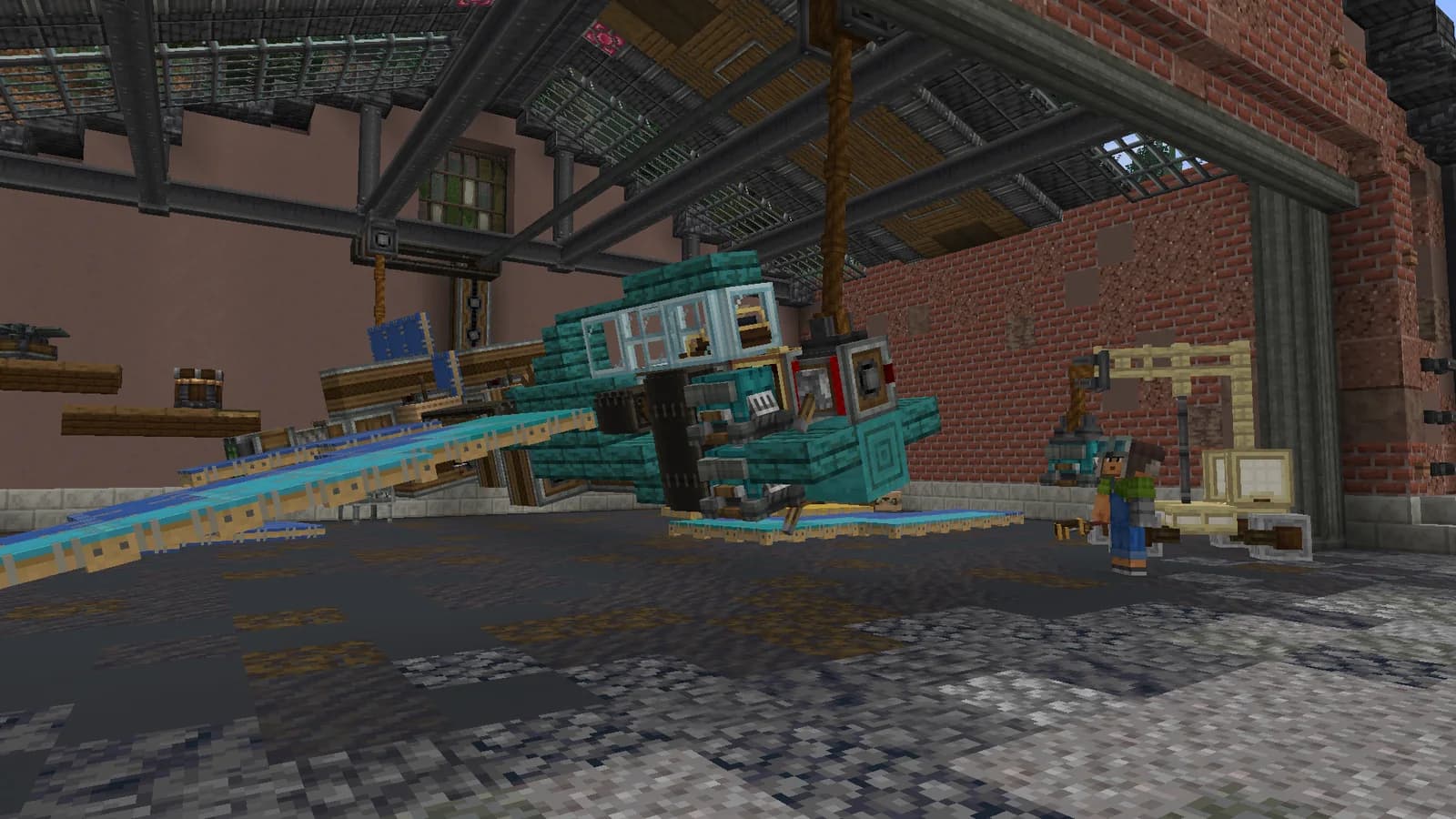
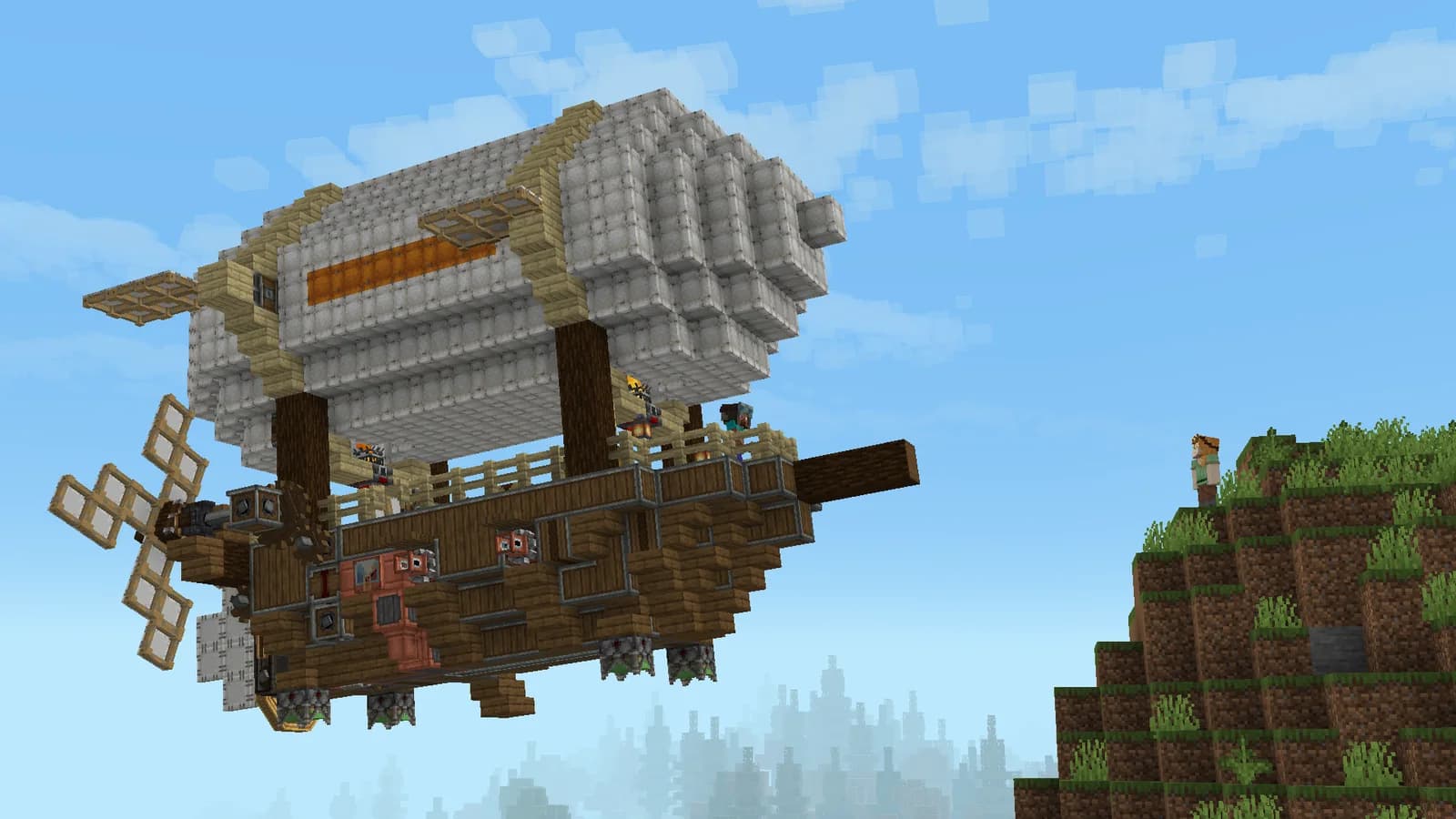
If you have only seen Create in videos, begin with one machine on Astra. This page covers installation, a first workshop, rotational power and a simple test. Joining the server is free.
After installing Astra, check recipes inside its pack. A tutorial made for another Minecraft version may require different parts or crafting steps. List the materials for one machine and a power source first; planning an entire factory can wait until those work.
Verify the power source, then connect the transmission and finally the machine. Watch rotation direction and network stress. If adding a new machine stops everything, check that last change before dismantling the whole workshop or replacing every component at once.
Your first step
Check the recipe for one useful machine.
Test the source, transmission and machine in order.
Process a small batch and note where the input goes and where the result appears. Keep that simple line as a working reference. Learning a second operation beside it is easier than changing every part of the original setup at the same time.
MARALYS Astra cover
MARALYS-owned hardware
20 TPS
For machinery, vehicles and large shared builds.
Processor
AMD Ryzen 9 9950X
Physical host memory
256 GB
Location
Moscow, Russia
Good to know
Before you join.
Do I need to learn all the addons first?
No. Basic Create kinetics and one machine are enough to begin. Transport and Aeronautics can follow once rotational power makes sense.
What if my first machine does not work?
Check the recipe, power connection and rotation direction. Try one item rather than a full batch so it is easier to see which stage causes the problem.
Can I follow a tutorial for another Create version?
The principles can help, but recipes and available blocks may differ. Check each stage against the installed Astra pack before committing to a large project.