Сборка физической постройки
Сборщик переводит выбранные блоки в физическую конструкцию.
Continue reading Maralys
 MARALYS IDChecking session
Download MARALYS, sign in, open Atlas and let the Minecraft Java pack with Create and Aeronautics install.
Install MARALYS
Open Atlas
Let the game connect
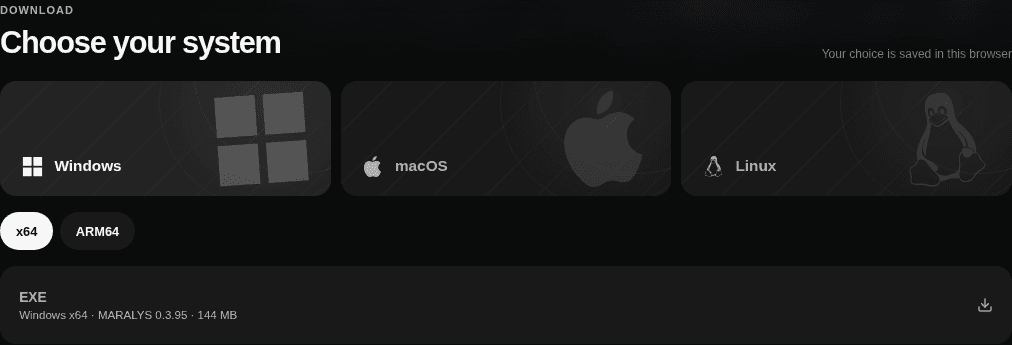
Choose Windows, macOS or Linux on the downloads page and get the installer for your computer's architecture. Open the app and sign in with MARALYS ID.
Find Atlas in Play. Read the rules, check server status and select Play. Wait for the current Minecraft pack with Create and Aeronautics to download.

The app prepares the game for launch. Let the download queue finish. On later visits, install offered updates before joining.

Сборщик переводит выбранные блоки в физическую конструкцию.
Continue readingThe current Atlas pack installed through MARALYS. You do not need to select required mods individually.
Open Atlas in MARALYS. During maintenance, check the news and wait for the server to reopen.