

Install Atlas. From the app to play.
Install Atlas: download Maralys for your system, sign in with MARALYS ID, choose the server and install its published pack. Rules and country selection on first login.
The essentials. Step by step.
Download Maralys and sign in with MARALYS ID.
Open Atlas, read the rules and select Install and play.
Wait to join and choose a country if the menu opens.
Install the app
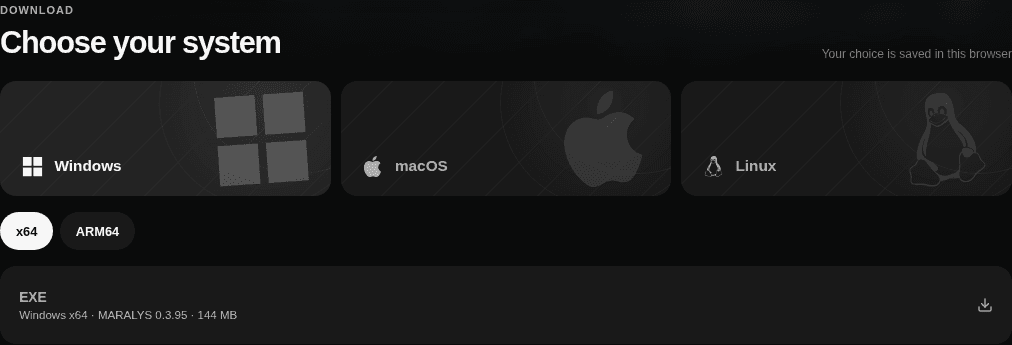
Choose your system on the downloads page. Download and install Maralys, then sign in with MARALYS ID.
Prepare Atlas
Open Atlas in Maralys. Check server status and read the rules. Select Install and play, then wait for the pack download to finish.

Your first arrival
Wait to join. If country selection opens, choose a location; try another if it is refused. Use /atlas spawn to choose again. Claim your plot before building. On later visits, launch Atlas with Play.

Continue in the right section.
A couple more answers.
Does Atlas work with Minecraft Bedrock?
This pack requires modded Minecraft Java on a computer. Bedrock and mobile editions are not supported.
How do I choose a country again?
Use /atlas spawn. Ordinary /spawn performs safe random travel; it is not the country selection command.