Stay on the latest version
The download page lists the latest published MARALYS Desktop builds. The app shows downloads and updates in one queue.
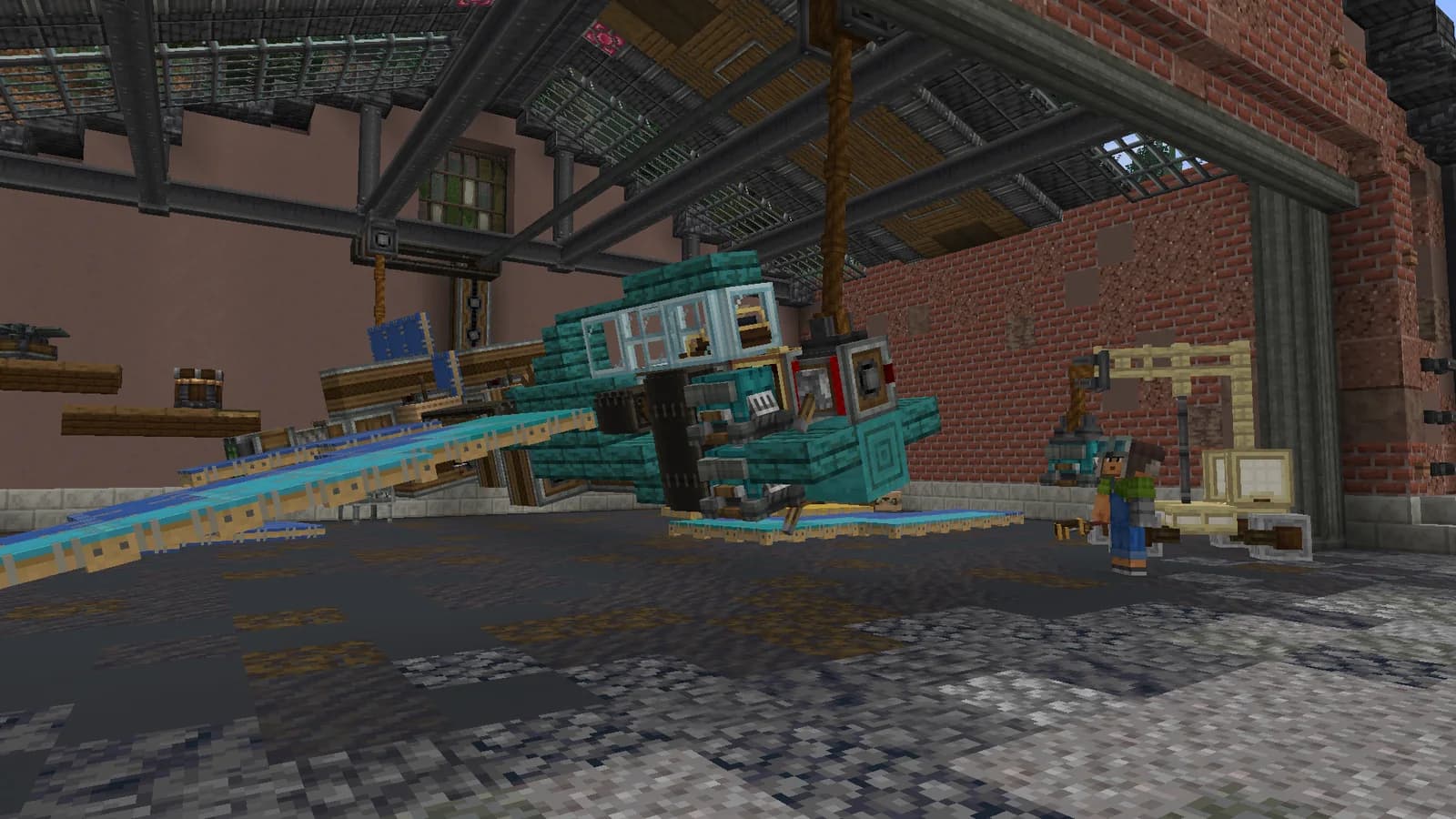
Fresh builds
The installer catalog changes when a new release is published.
Visible progress
See active, pending and recent downloads in the app.
Three steps to play
The official installer and server guides are available in MARALYS.
- 01Open the download page and find your system's version.
- 02Get the newest installer if needed.
- 03Follow downloads and updates in the app.
Where can I see the current version?
The current version appears beside the matching build on the download page. If the catalog is temporarily unavailable, try again later.
All installers Maralys
 MARALYS IDChecking session